Description
Who: The University of Texas at Austin Walker Department of Mechanical Engineering, Department of Nuclear and Chemical Engineering
What: TACO Desk
Audience: Texas legislators, policy officials, people curious about Nuclear power
When: May - June 2025
Where: Remote
How: Figma, ZenDesk, HTML, CSS, Handlebars
My role: Sole designer and developer under the guidance of Dani Zigon
The Problem

Visitors weren’t sure what to do or click after landing, causing high drop-off and low interaction with the question submission flow. Many users left asking, “What is this site even for?”.
HOW MIGHT WE BRING EASE AND ACCESSIBILITY TO USERS INTERESTED IN AN INTIMIDATING AND COMPLEX TOPIC?
Process
I started by mapping out pain points and prototyping solutions in Figma. My goals were to:
Establish a clear call to action to guide users from the first click
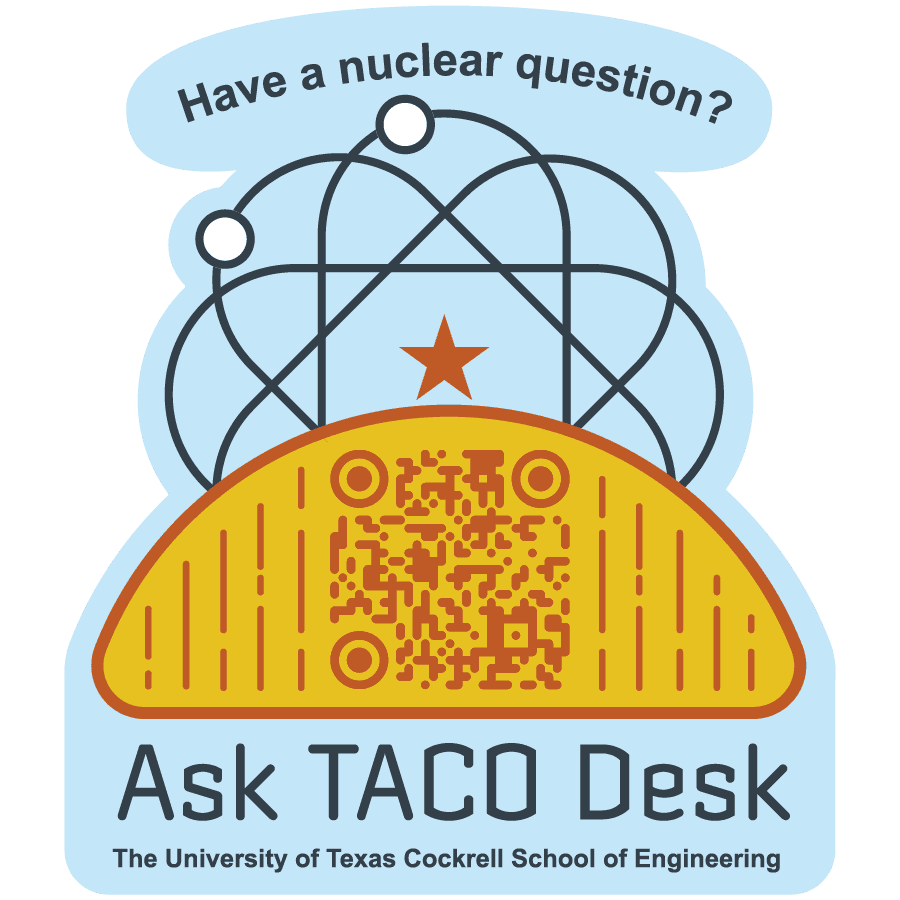
Incorporate TACO branding into the design for trust and recognition (this included creating TACO oriented assets in addition to the existing UT Cockrell School of Engineering brand book)
Simplify the information hierarchy so users could quickly understand the site’s purpose
Reframe nuclear research as approachable and accessible through visuals and language
As I began the visual design process, I consistently sent check-ins and plans to my boss. Logo sketches, user zones and flows.
(You may notice a TACO logo— I designed that, too! I don't have a case study ready for that just yet, but you will see its evolution throughout this project)
![]() | ![]() | ![]() |
|---|
Through extensive sketching, ideation, and digital iterations, I designed 3 key, establishing new details not previously included:
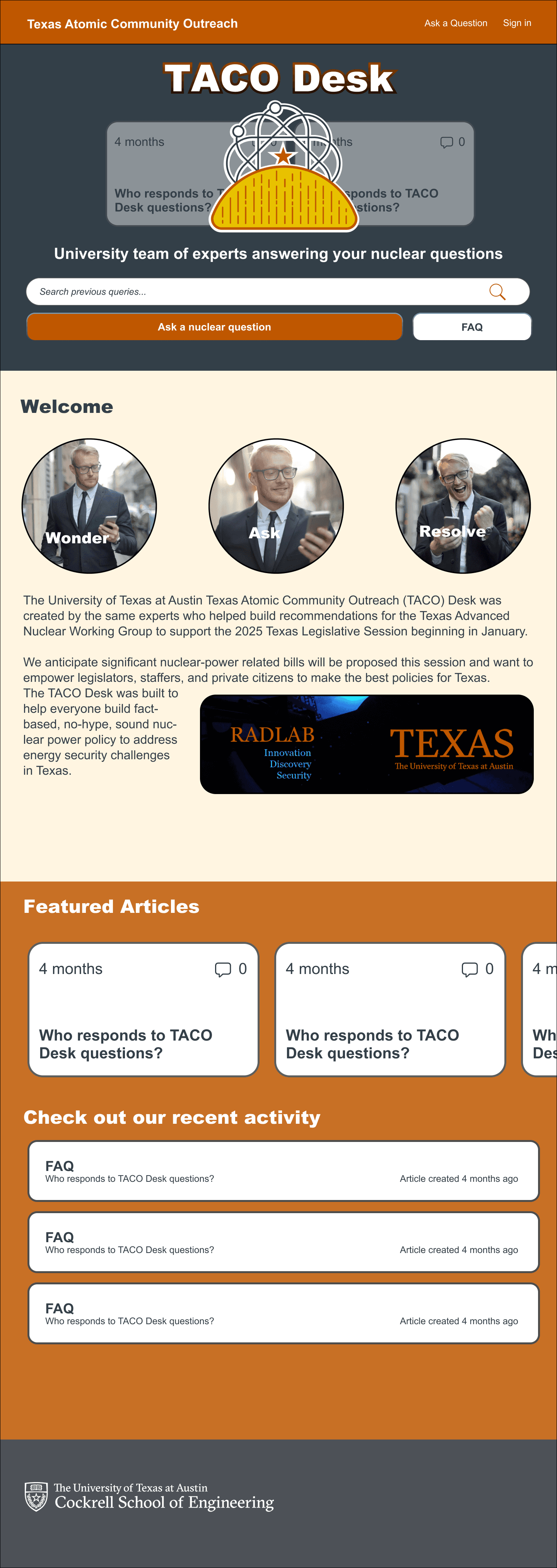
Scrolling question cards in the header | Wonder/Ask/Resolve | Moving the “Ask a question button” from the header to the hero section |
|---|---|---|
Adds visual interest while quickly establishing the kind of questions that the user may ask ![]() | A snappy way to further establish the user’s process for interaction ![]() | The simplest and most effective change. This button is the first clickable asset that the user sees— how it should be! |
Once we got to a point where I had designed an approved layout, I began implementation so that it could exist as a live website.
Because the site lived on Zendesk, there were technical constraints. How do you make a rigid platform feel like a tailored experience? Some more complex and layered aspects of my design (the scrolling question cards in the header) required workarounds. Instead of building from scratch, I developed a custom Zendesk theme using HTML, CSS, Handlebars, and JavaScript. As I was new to Zendesk’s framework, I leaned on rapid prototyping and AI-assisted coding to problem-solve within platform limitations. This allowed me to transform a generic template into a site that looked and felt like a standalone product without altering how our Nuclear team interacts with user queries.
Results — Visit the site here!

The redesign shifted the TACO Desk website from confusing to engaging:
Q3 had a 50% increase in ticket creation from Q2
The site became a central hub for nuclear information, approachable to students and researchers alike.
Branding consistency increased trust and recognizability, aligning the digital presence with TACO’s mission.
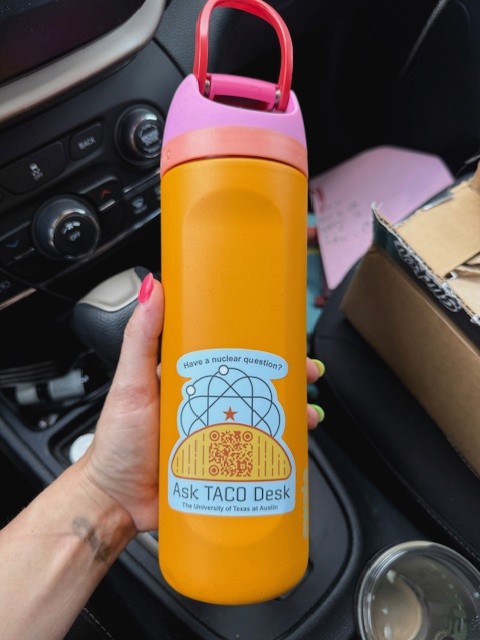
Physical outreach supported the site: QR codes on stickers, pens, and merch now drive traffic directly to the hub.
![]() |
|
|---|
The project not only improved digital engagement but also extended TACO’s presence into the physical world, connecting curious users to reliable information with a single scan. In my design practice, I believe that making information accessible and digestible is a keystone of my work. I am driven by giving users the tools that they need to thrive in their curiosities.
See the site here!


