Moving Parts: designing charm in both sides of an accessibility-forward academic experience

Project Overview

Who: FrontRow
What: Primary student interface
Audience: Students in large scale lectures that struggle to see the board
When: August - October 2025
Where: Hybrid (remote & Austin, TX)
How: Figma, Premiere Pro, After Effects, Illustrator
My role: Principal designer

About my Role

Following the growing success of FrontRow, an accessibility-forward tool for students in lecture settings, I was recruited to redesign and prototype key interactions to improve the student experience.

FrontRow

Startup Venture by Avery Neale

The Problem

Limited user customization! An accessibility-first product should be adaptable and customizable in all aspects. The user must be put first.

The Problem(s)

Though TACO Desk was intended to be an easy point of access, the original website wasn’t serving its audience. 

Users ran into several obstacles:

Unclear direction: Visitors weren’t sure what to do or click after landing, causing high drop-off and low interaction with the question submission flow.

Disjointed branding: The site was a default Zendesk template, making it feel disconnected from a University of Texas entity,  TACO’s identity.

Lack of clarity: Many users left asking, “What is this site even for?”. Users didn’t want to submit questions because they didn’t know what kind of questions to ask. Those who did submit often asked about how to apply to UT’s engineering school. Although we are always welcoming of new and prospective longhorns 🤘 this isn’t meant to be an application help hub. 

Intimidating topic: The word “nuclear” created a barrier. The general public knows little about the topic outside of Chernobyl and the Simpsons. The content felt too complex and unapproachable.

These issues limited the site’s ability to inform and engage its audience.

HOW MIGHT WE BALANCE ACCESSIBILITY, EFFECTIVENESS, AND CHARM?

The Process

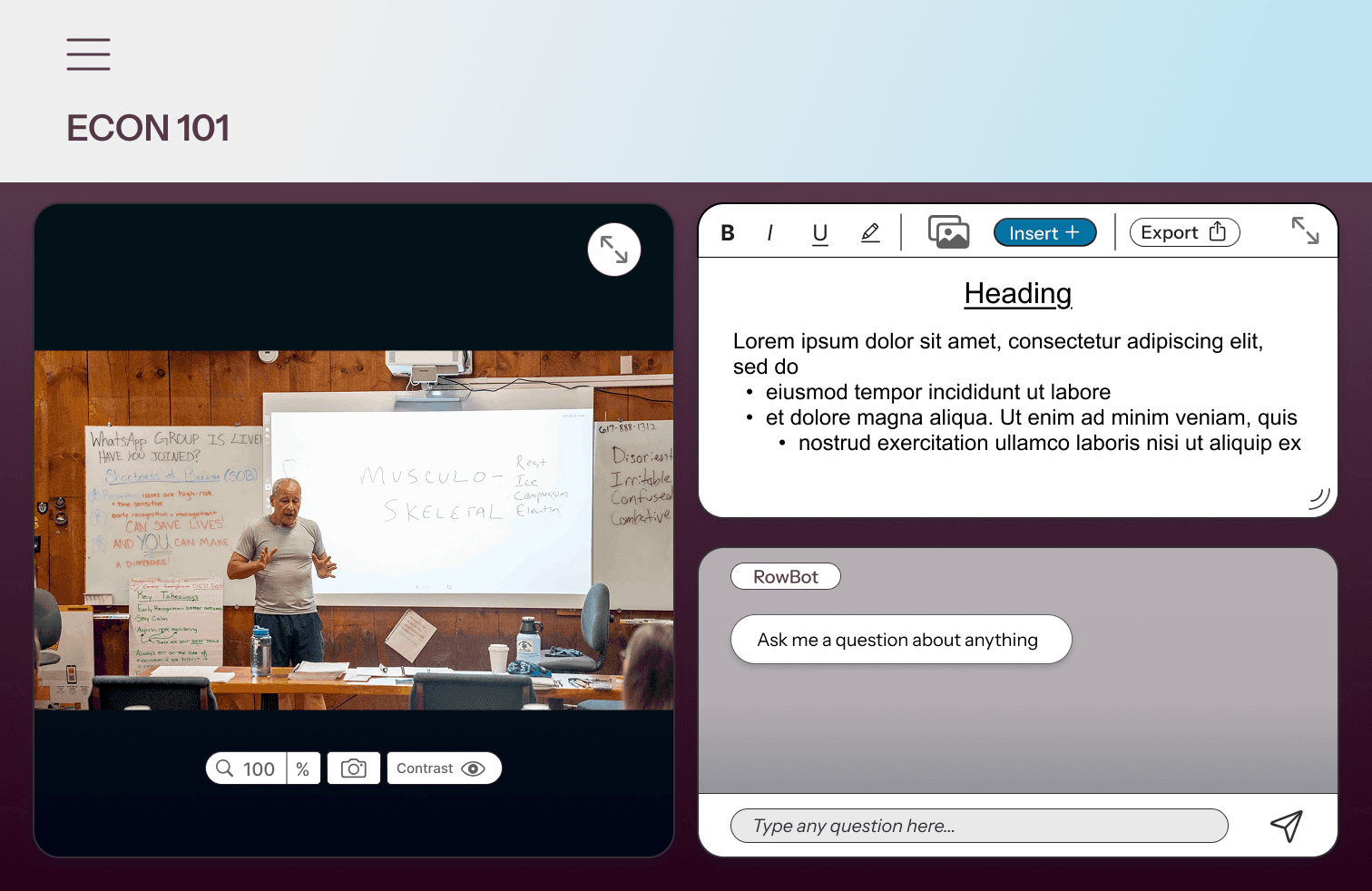
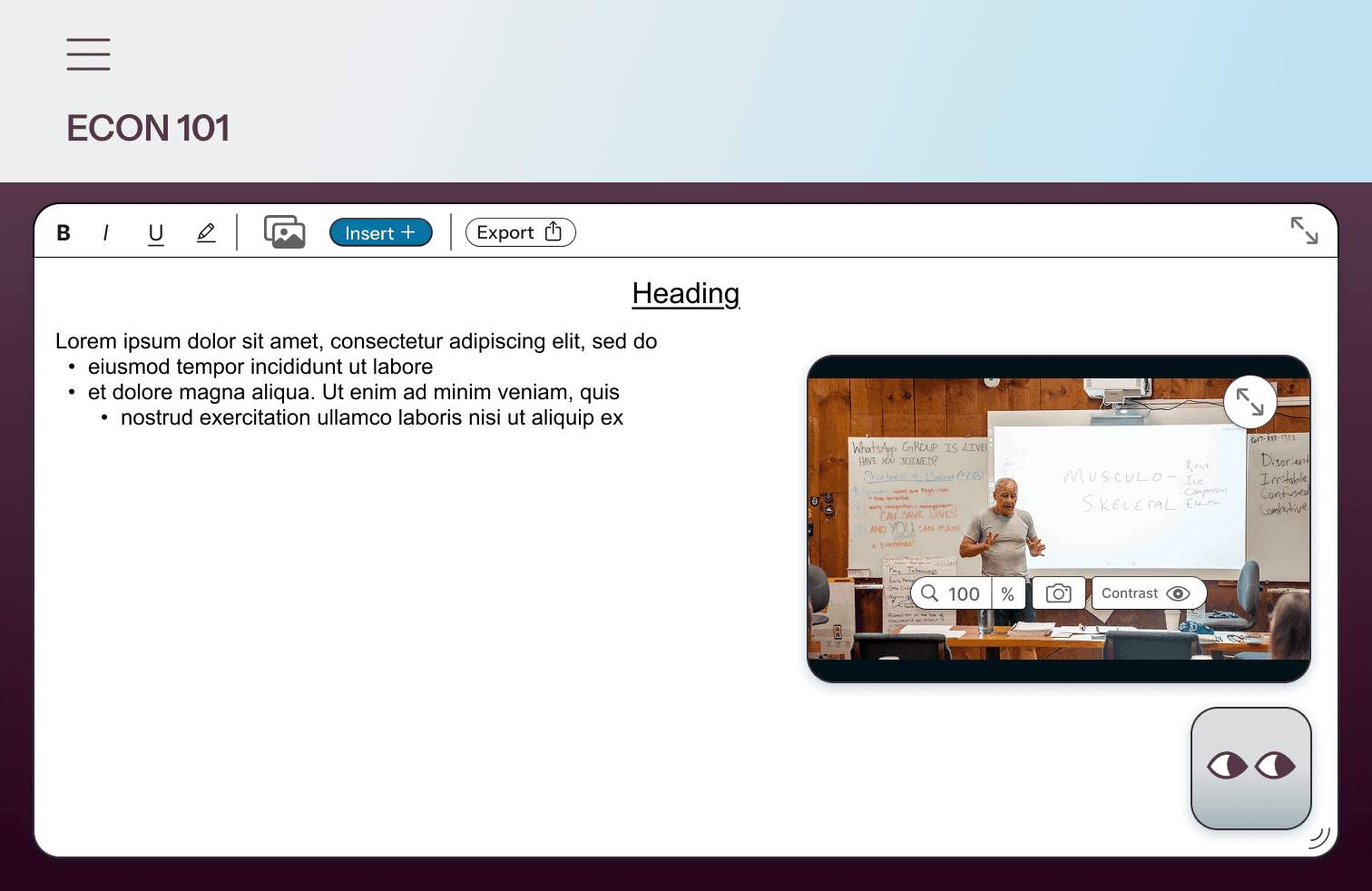
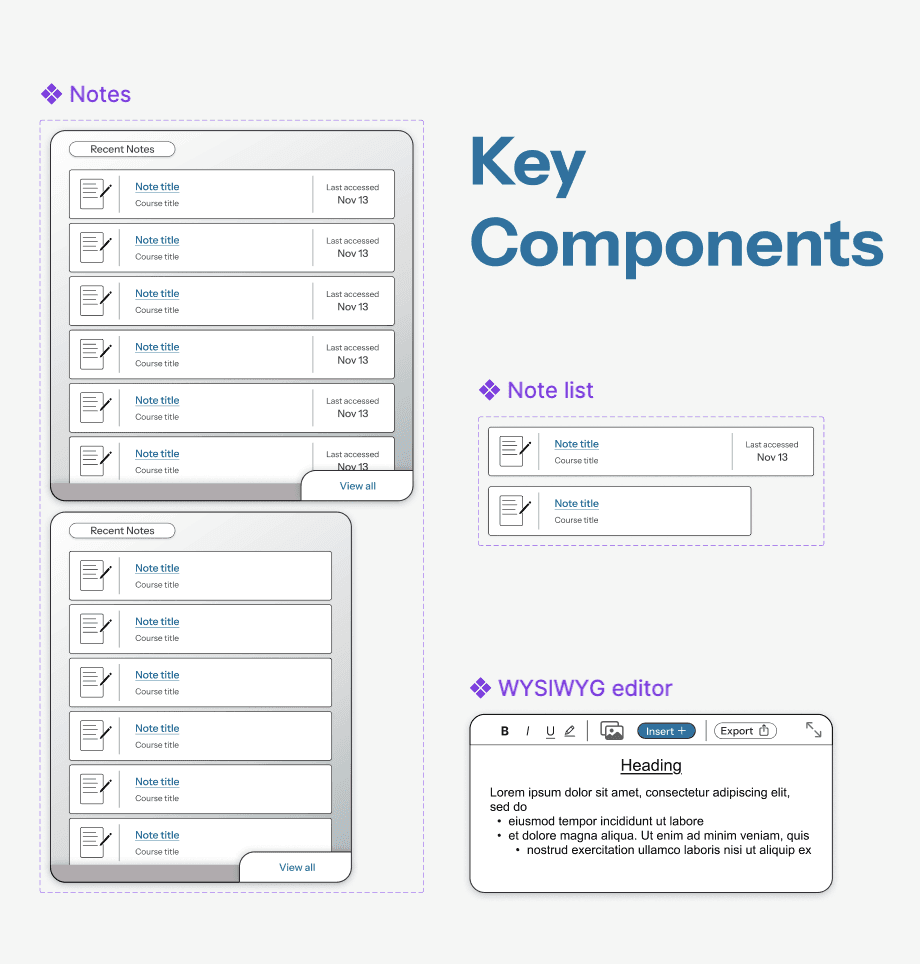
I started by sketching potential layouts based on three key fields: notebook, lecture, and chatbot.

User research

  • Adds visual interest while quickly establishing the kind of questions that the user may ask

Result

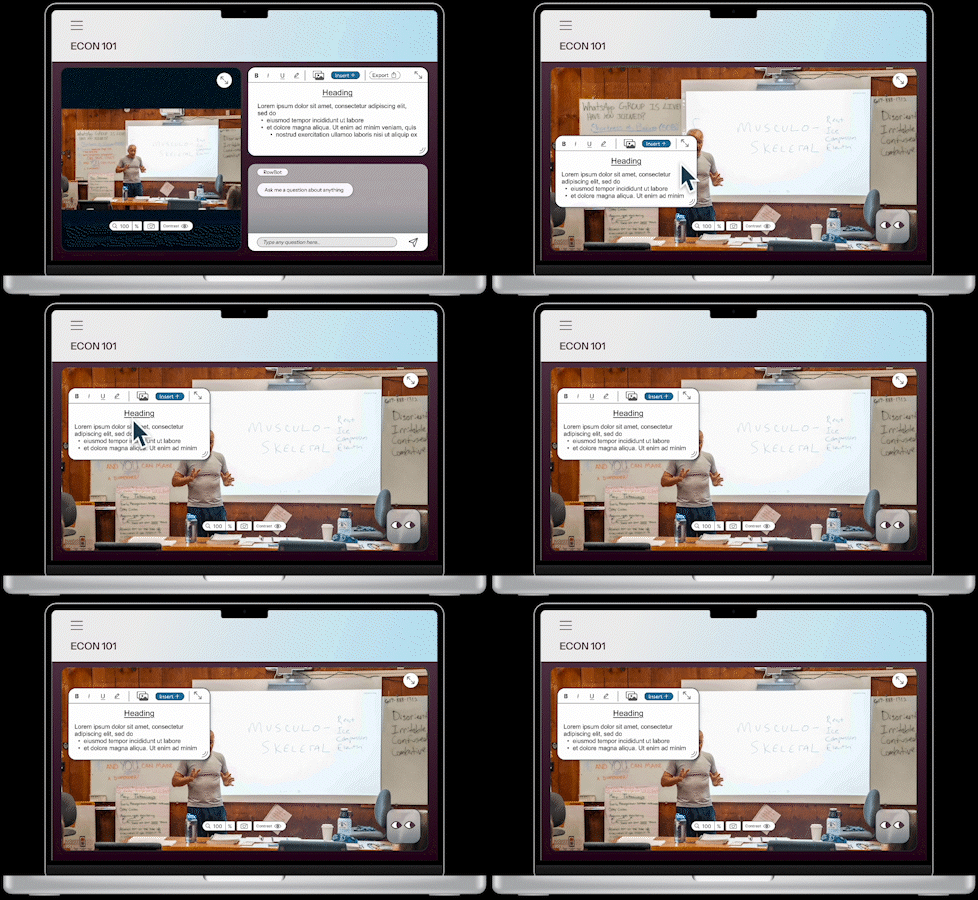
  • 3 key layouts allowing for user modification within